
This original, AI-assisted editorial assessment is based on published documentation and buying trade-offs. We have not handled or tested a review unit. Verified refers to the source check, not measured performance. Methodology · Affiliate disclosure
Pros
- Compact format for a small listening space
- Voice-based routines can reduce repeated interactions
- Official help material provides a setup reference
Cons
- Services and regional support need checking
- Requires a network and an appropriate power supply
- An older model needs condition and support checks
The useful part is the routine
The third-generation Echo Dot is worth thinking about as an interface to a set of services rather than as a small object with a voice assistant inside. A timer in the kitchen, a familiar radio station, or a simple connected-home command can be useful when it replaces an interaction you repeat every day. That benefit depends on the service still doing what you expect in your region and account.
Before buying an older unit, write down the actual commands and services that justify it. Verify those with current official help information. A device name alone does not establish language availability, a music subscription requirement, or how a third-party integration behaves now.
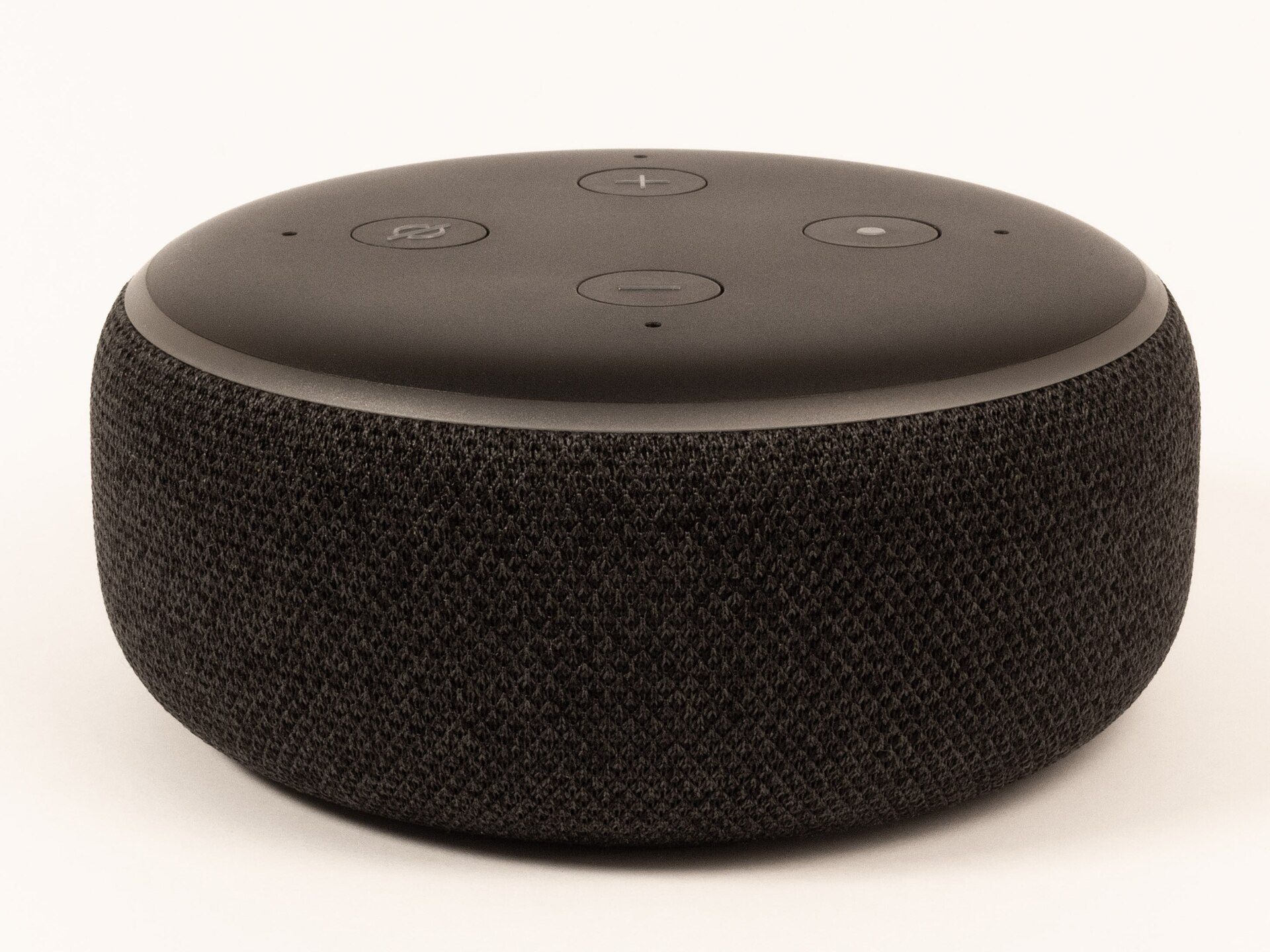
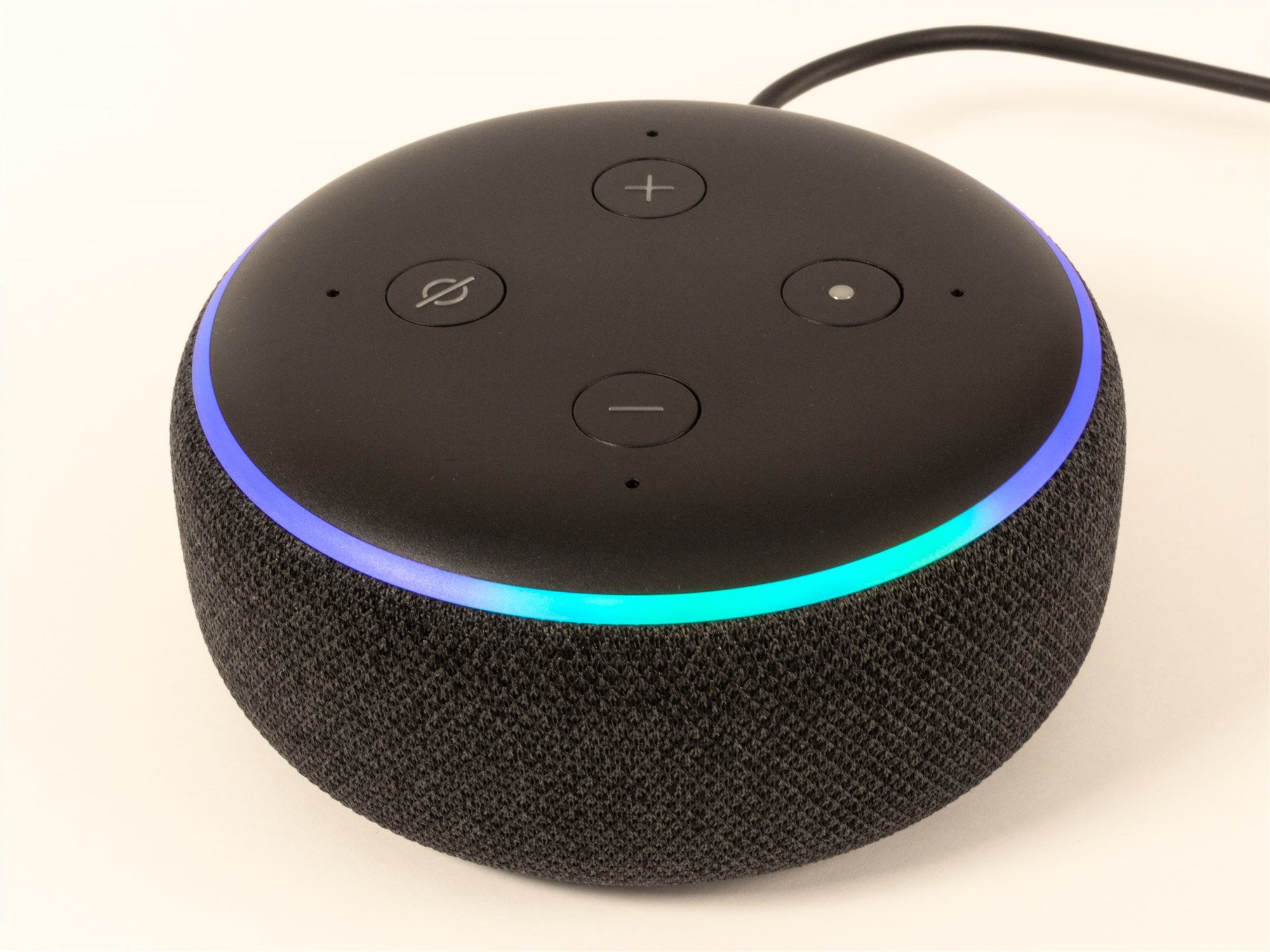
Echo Dot (3rd Gen) 02.jpg — Samuel Wiki · CC0. Proportional display; no substantive edits.
Placement changes the experience
Think about the power outlet, the room’s normal noise, and whether everyone can comfortably reach the controls. A speaker near a noisy appliance presents a different challenge from one on a quiet bedside table. We have not measured voice pickup or listening performance, so placement advice here is a planning consideration rather than a test result.
Avoid buying a mains-powered smart speaker as though it were a portable Bluetooth product. Confirm the exact power supply and included accessories. If you are purchasing secondhand, an absent or unsuitable adapter can remove much of the apparent saving and make setup harder to diagnose.
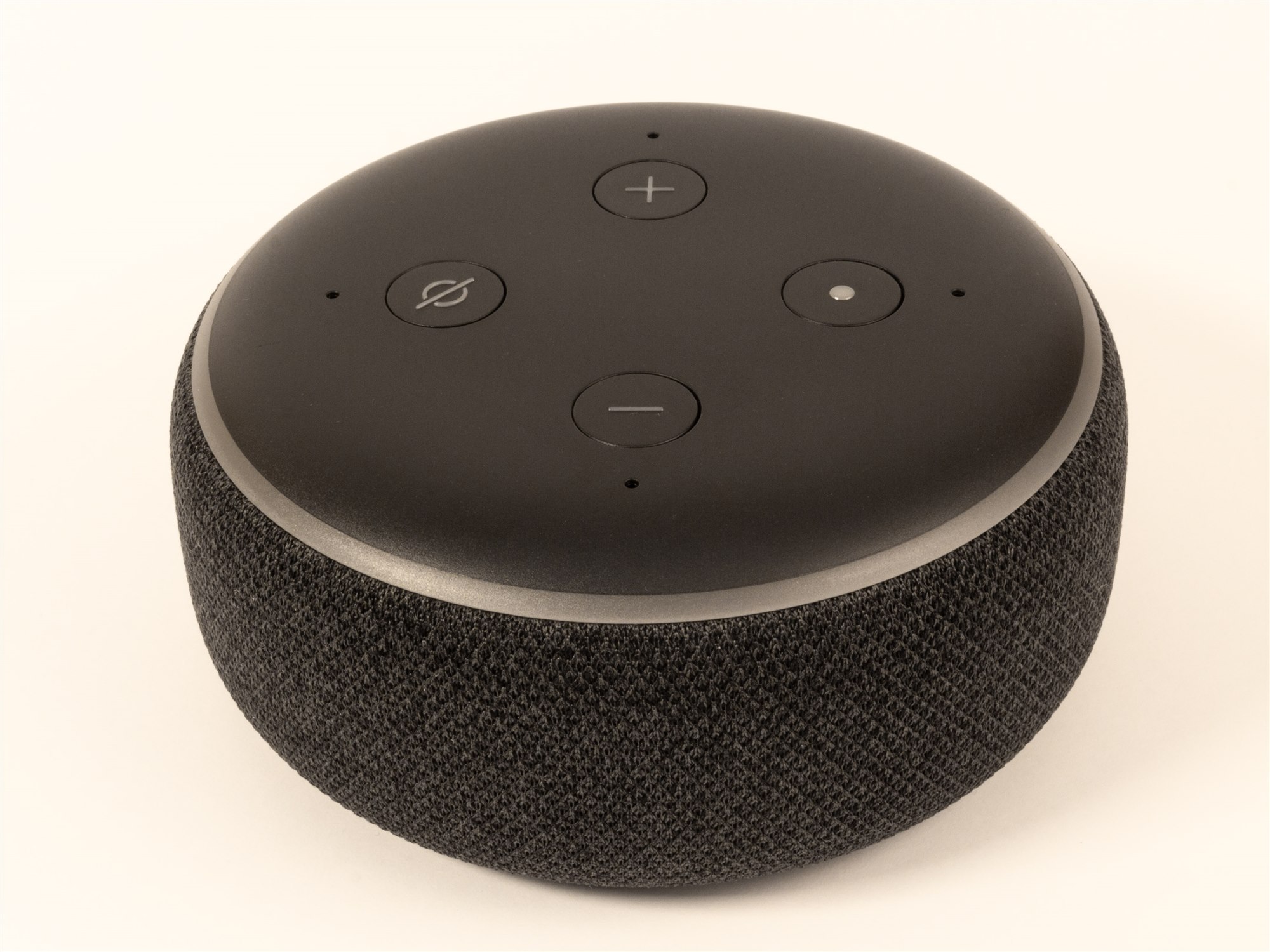
Echo Dot (3rd Gen) 03.jpg — Samuel Wiki · CC0. Proportional display; no substantive edits.
Accounts are part of the household setup
A shared speaker needs a shared understanding of what it can access. Review account settings, purchase controls, and microphone controls using the official instructions. Decide who maintains the device and what happens if the person who originally configured it leaves the household. Convenience is more durable when ownership and management are clear.
Check compatibility one accessory at a time. A claim that something works with a voice assistant is not a complete specification for every automation you may imagine. Start with a small set of confirmed tasks, then expand only after they behave as expected. When buying a used speaker, make sure the previous owner has removed their registration and that you can complete your own setup.
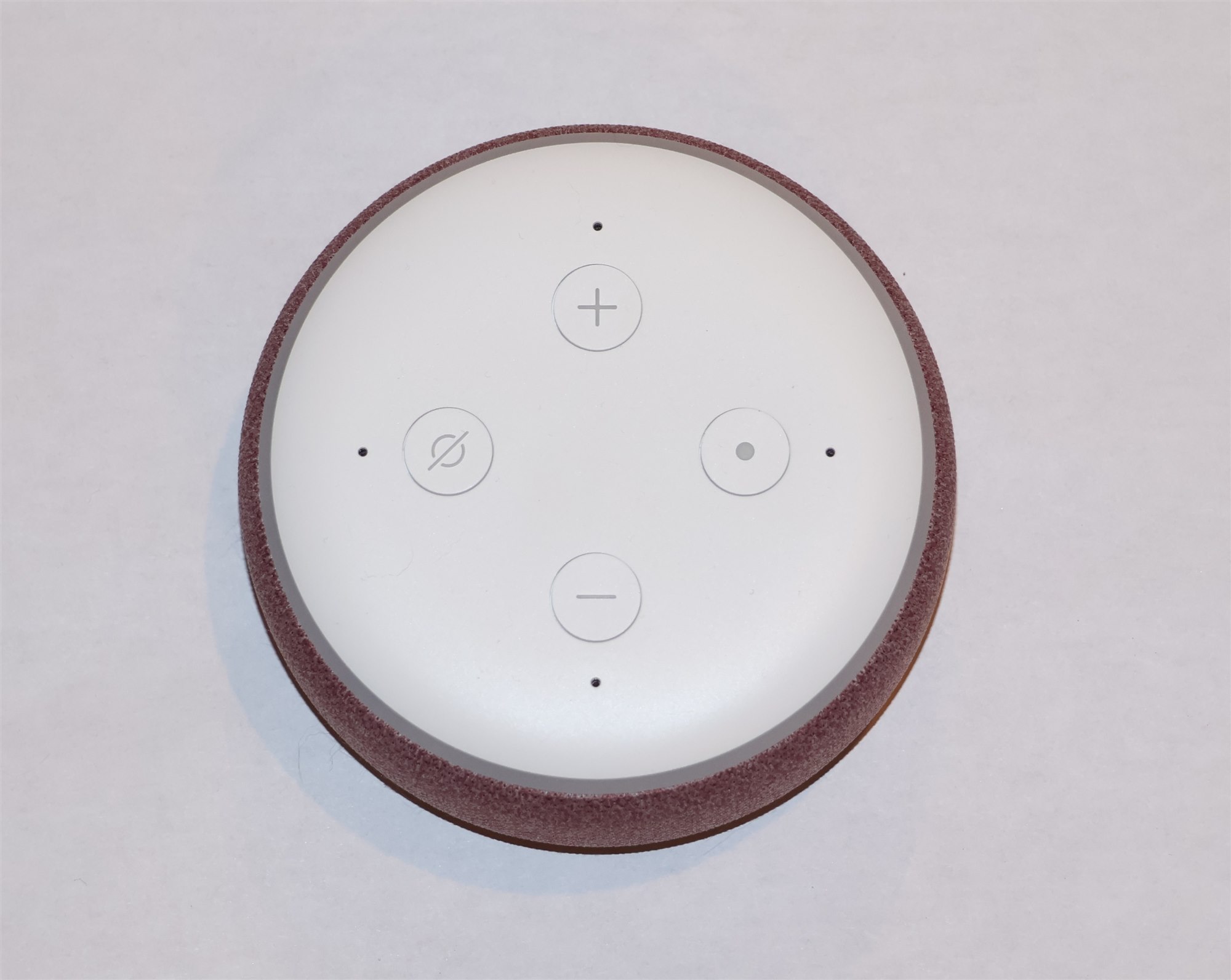
Red Echo Dot (Top).jpg — DiscoA340 · CC0. Proportional display; no substantive edits.
Who should buy
An Echo Dot 3 may suit someone who has a specific, currently supported Alexa routine and can obtain a clean, properly reset unit with the right power supply. It is less appropriate for a person who wants local-only control, a travel speaker, or an open-ended promise of future smart-home compatibility. Check the practical service requirements first.
Verdict
The case for an older Echo Dot rests on a modest, well-defined job. We would buy for a confirmed routine and a trustworthy seller, not for a vague idea of making a home smarter. If the services you need are available and the setup fits everyone who will use it, the compact format can make sense. Otherwise, the low price may simply introduce another account and device to maintain.
How to read this assessment
This assessment separates a published feature from an outcome we can actually verify. A specification describes an intended capability; it does not establish the quality of your particular unit, the reliability of a home network, or the comfort of a product during a long session. We have not tested a review sample, so the conclusion card deliberately leaves the overall score and its three components unassigned. This is more useful than giving an apparently precise number without measurements.
Before ordering, write down the three tasks that matter most and check each against the exact model being offered. Include the full ownership cost: essential accessories, replacement parts, power, and any recurring services. Compare products in the same condition with equivalent return protection. Save the listing and inspect the delivered item while you can still return it. A good buying decision should remain sensible when the excitement of a discount has worn off.
Our recommendation is conditional on those checks. We do not treat availability in a marketplace as evidence of ongoing manufacturer support, and we do not assume that a seller’s use of the word refurbished guarantees a particular service process. Ask for the terms in writing and compare them with the alternatives before committing.
Sources & corrections
Amazon Echo Dot (3rd generation) official documentation · consulted November 29, 2026. Specifications belong to the exact generation described. Editorial judgments are ours; no benchmarks or hands-on results are implied.
Found a detail to correct? Contact our editorial desk with the article URL and supporting evidence.