
This original, AI-assisted editorial assessment is based on published documentation and buying trade-offs. We have not handled or tested a review unit. Verified refers to the source check, not measured performance. Methodology · Affiliate disclosure
Pros
- Flexible board for a purpose-built project
- Published hardware documentation supports planning
- Small footprint for a carefully designed installation
Cons
- Requires accessories and setup time
- Storage and power choices affect reliability
- Ongoing maintenance is part of ownership
A board is the beginning of a system
The Raspberry Pi 4 is most interesting when you can name the project before you buy it. A learning computer, small local service, or dedicated controller asks something different from a general-purpose desktop. The exposed board makes those choices visible: you decide how it is powered, protected, connected, and maintained. That flexibility is valuable, but it also means the price of the board is not the price of the finished system.
We would start by drawing the complete arrangement, including its location and the people who will depend on it. If a project must work without explanation every day, the setup needs a recovery plan as well as an interesting feature list. A hobby experiment can tolerate downtime that a shared household service cannot.
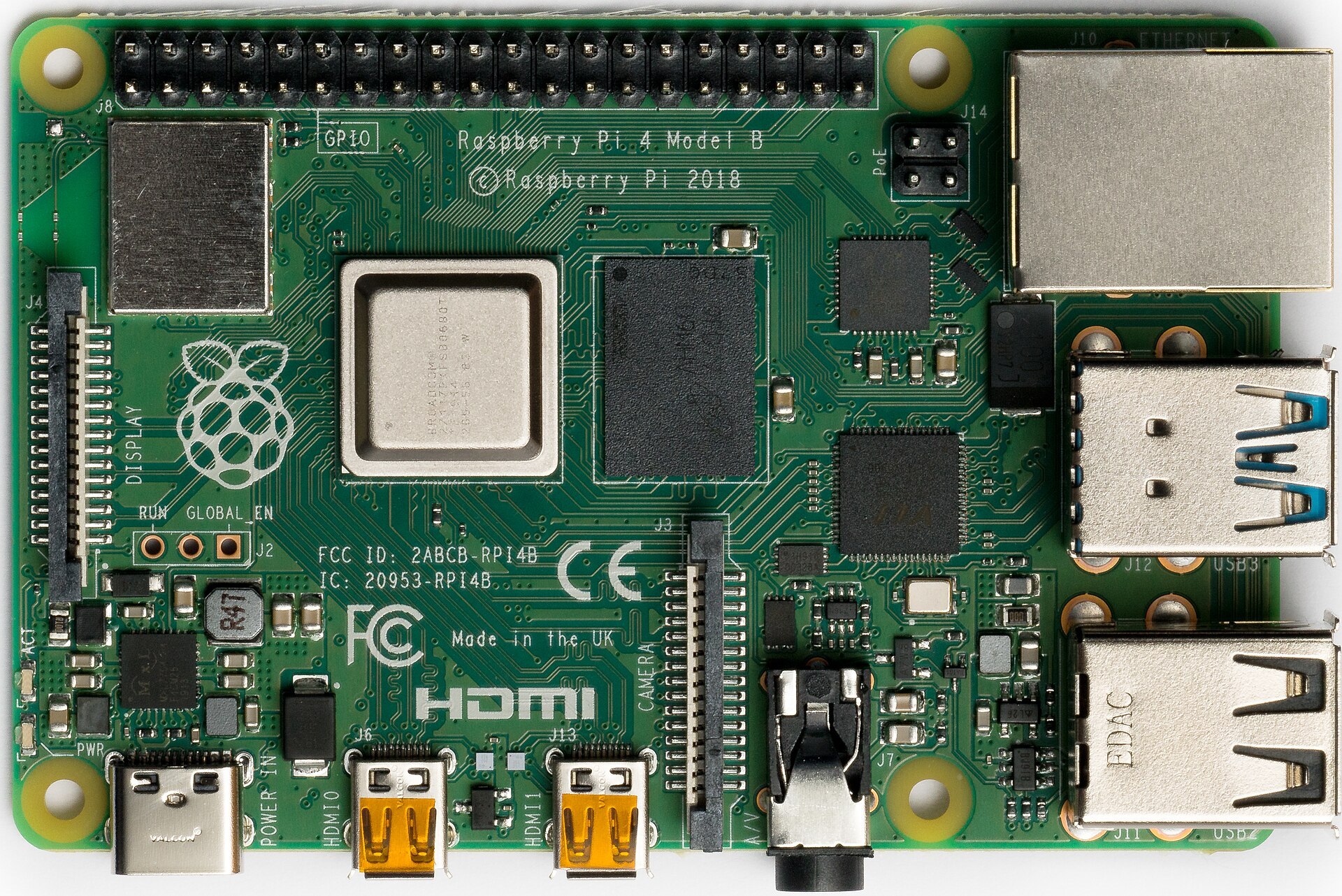
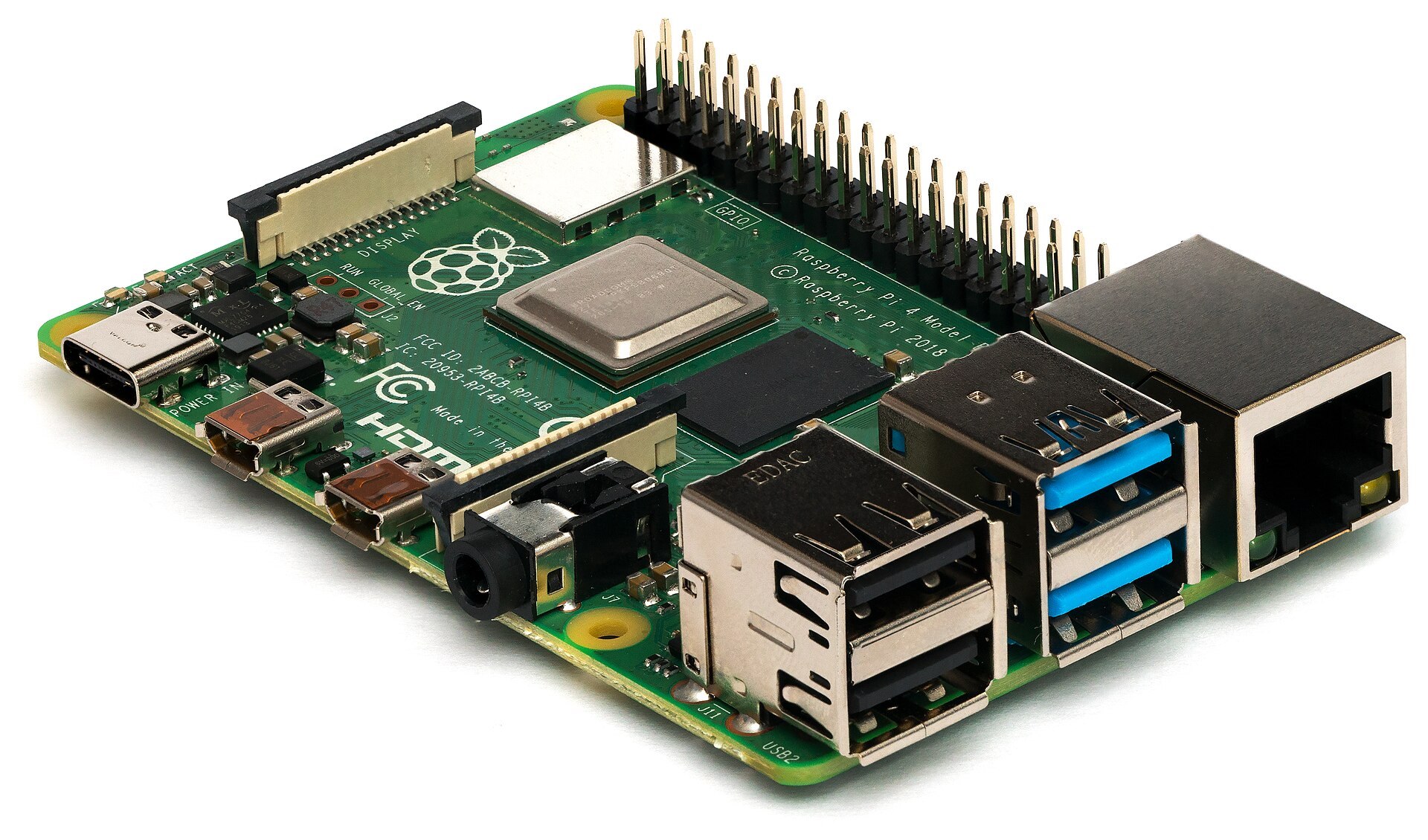
Raspberry Pi 4 Model B - Top.jpg — Laserlicht · CC BY-SA 4.0. Proportional display; no substantive edits.
Budget for the surrounding parts
Power, storage, enclosure, cables, and input devices can change the value calculation. Confirm the recommended power supply and the connections your screen needs against the official documentation. Avoid assuming that a cable already in a drawer is suitable simply because a connector fits. A stable starting configuration makes troubleshooting easier than a collection of unknown accessories.
Storage deserves similar attention. Think about what happens if a card fails, how configurations will be backed up, and whether you can rebuild the installation. For a project with important data, a single working copy is not enough. The most useful accessory may be the one that makes recovery straightforward rather than the one that looks most impressive in a photograph.
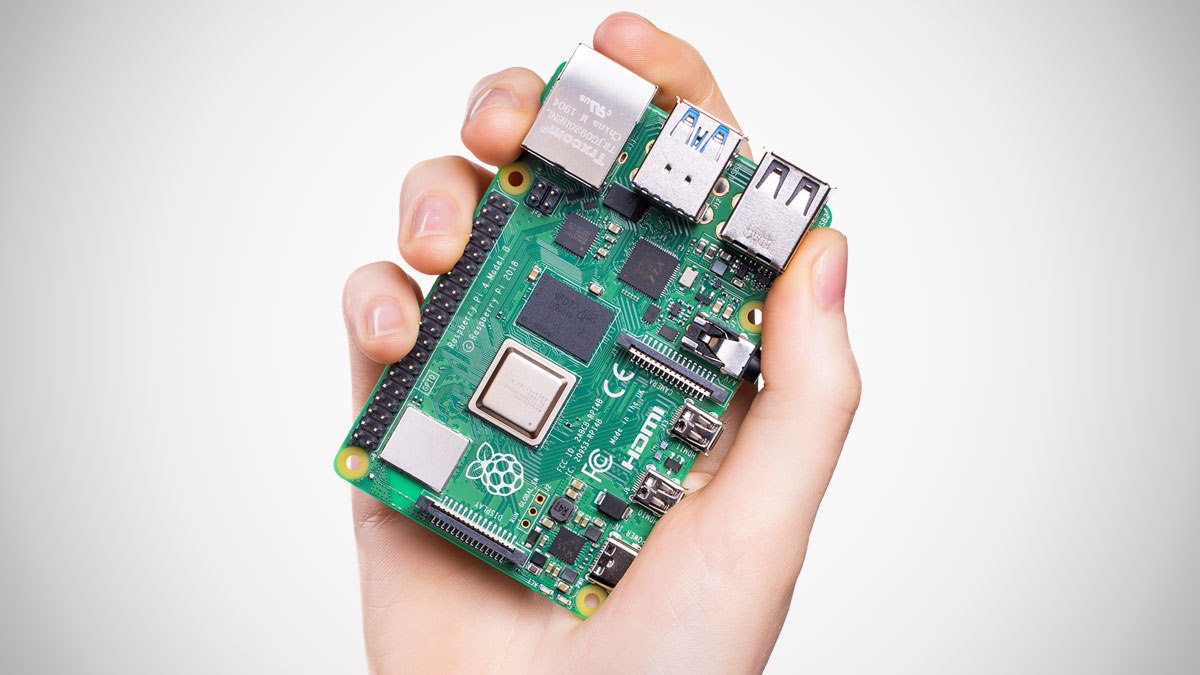
Raspberry Pi 4.jpg — https://www.raspberrypi.org/ · CC BY-SA 4.0. Proportional display; no substantive edits.
Time is a real ownership cost
The appeal of a small computer can hide the amount of decision-making involved. Selecting an operating system, applying updates, and documenting your changes are part of the project. Those tasks can be the reason to buy the board if learning is the goal. They can also make it a poor choice for someone who simply needs an appliance.
Consider where the board will live. Leave connections accessible, protect it from accidental contact, and follow the manufacturer’s guidance on operation. We have not measured temperatures or power consumption, so we cannot infer cooling requirements for your workload from a photograph. Test the actual installation before relying on it continuously.
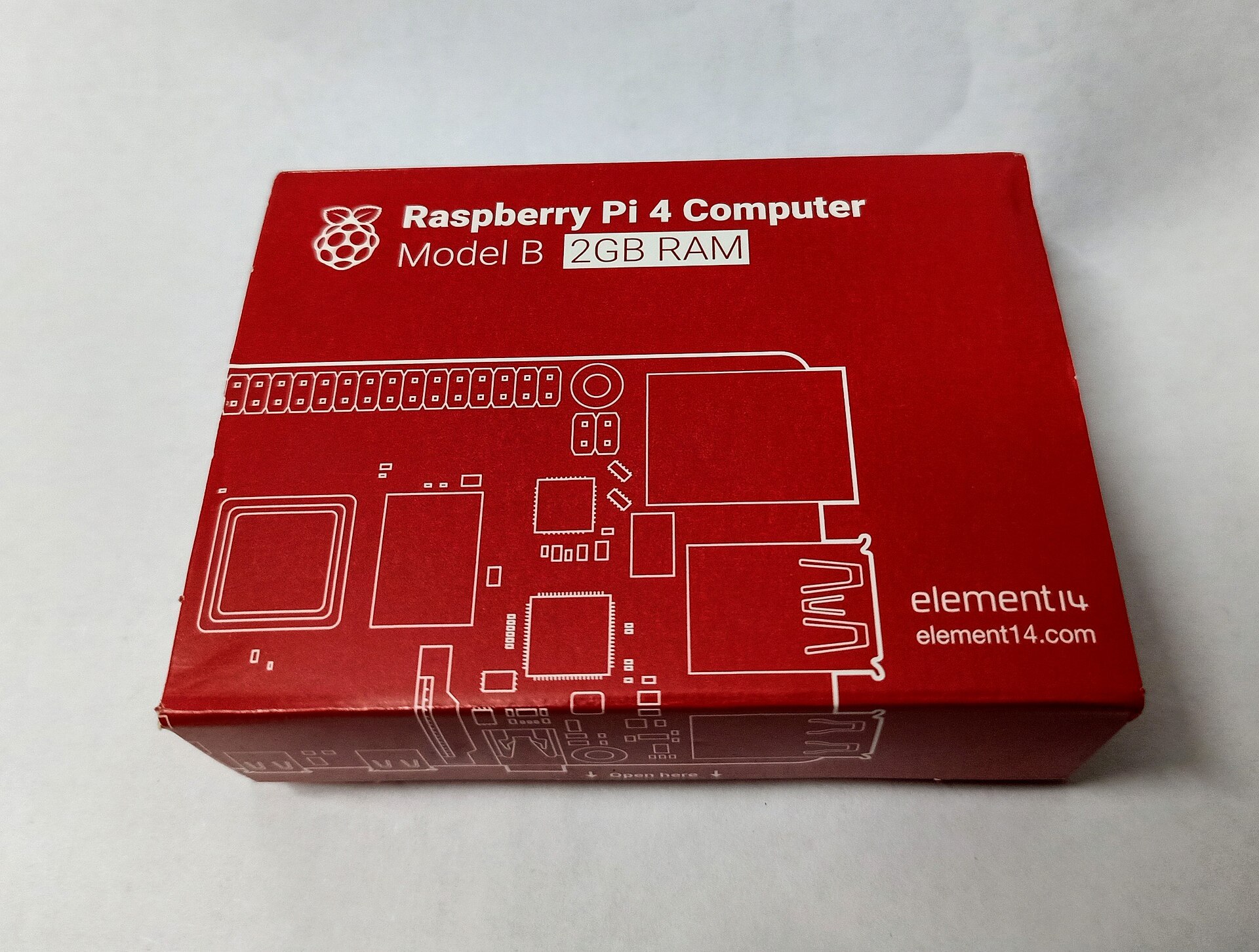
Raspberry Pi 4, 2 GB RAM version 2.jpg — Suyash.dwivedi · CC BY-SA 4.0. Proportional display; no substantive edits.
Who should buy
The Pi 4 suits someone who wants to learn, experiment, or build a clearly scoped system and is willing to maintain it. It may also make sense when an existing project specifically calls for this model. Someone seeking a complete desktop with predictable support should compare a finished computer, including all required accessories, before deciding that a bare board is cheaper.
Verdict
Choose the Raspberry Pi 4 because its flexibility serves a project you understand. Price the complete installation and set aside time to document and recover it. We see the strongest case when learning and control are part of the value. If setup is merely an obstacle to the task you really want to do, a conventional appliance or complete computer can be a better purchase.
How to read this assessment
This assessment separates a published feature from an outcome we can actually verify. A specification describes an intended capability; it does not establish the quality of your particular unit, the reliability of a home network, or the comfort of a product during a long session. We have not tested a review sample, so the conclusion card deliberately leaves the overall score and its three components unassigned. This is more useful than giving an apparently precise number without measurements.
Before ordering, write down the three tasks that matter most and check each against the exact model being offered. Include the full ownership cost: essential accessories, replacement parts, power, and any recurring services. Compare products in the same condition with equivalent return protection. Save the listing and inspect the delivered item while you can still return it. A good buying decision should remain sensible when the excitement of a discount has worn off.
Our recommendation is conditional on those checks. We do not treat availability in a marketplace as evidence of ongoing manufacturer support, and we do not assume that a seller’s use of the word refurbished guarantees a particular service process. Ask for the terms in writing and compare them with the alternatives before committing.
Sources & corrections
Raspberry Pi 4 Model B official documentation · consulted November 29, 2026. Specifications belong to the exact generation described. Editorial judgments are ours; no benchmarks or hands-on results are implied.
Found a detail to correct? Contact our editorial desk with the article URL and supporting evidence.